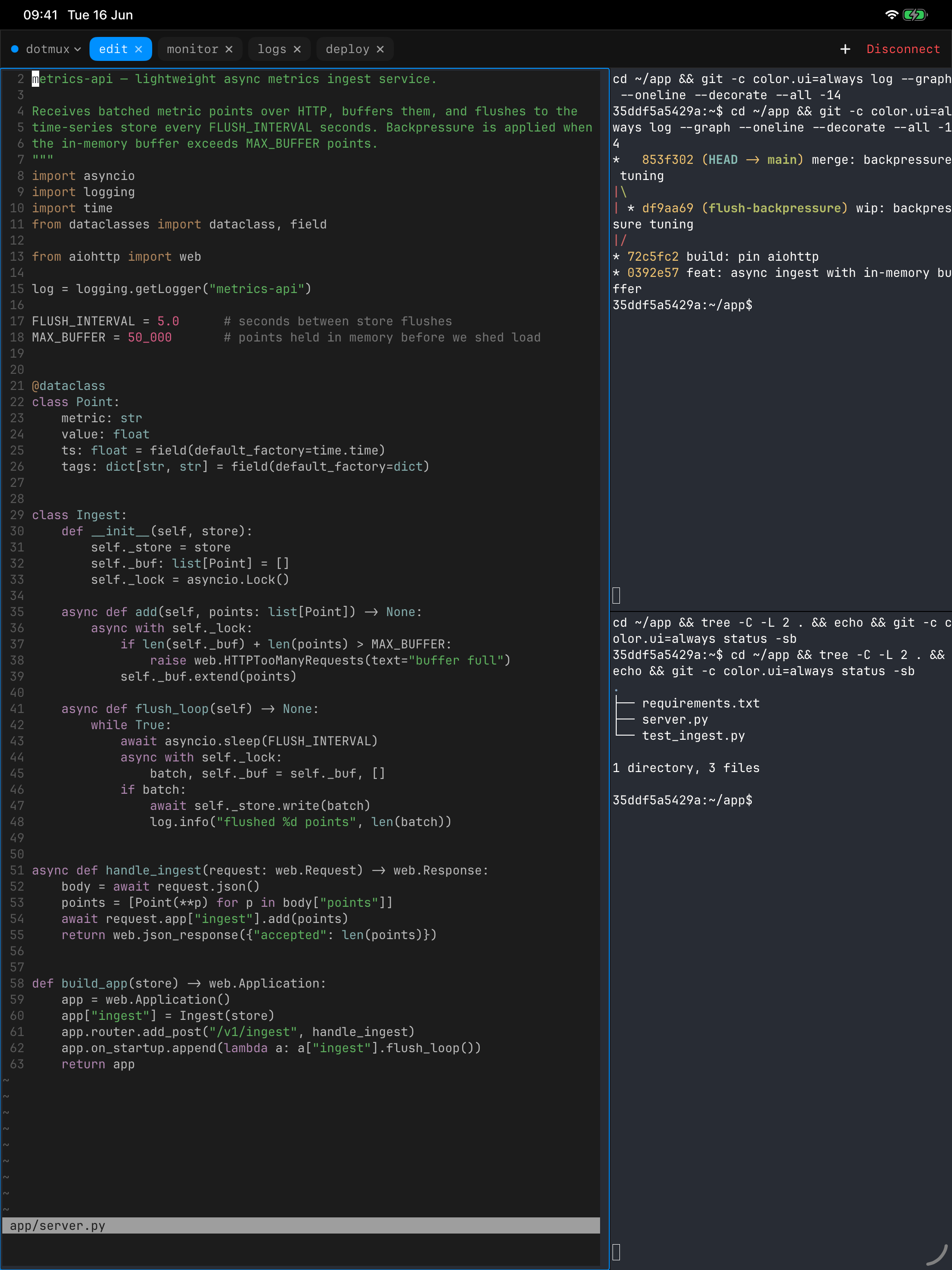
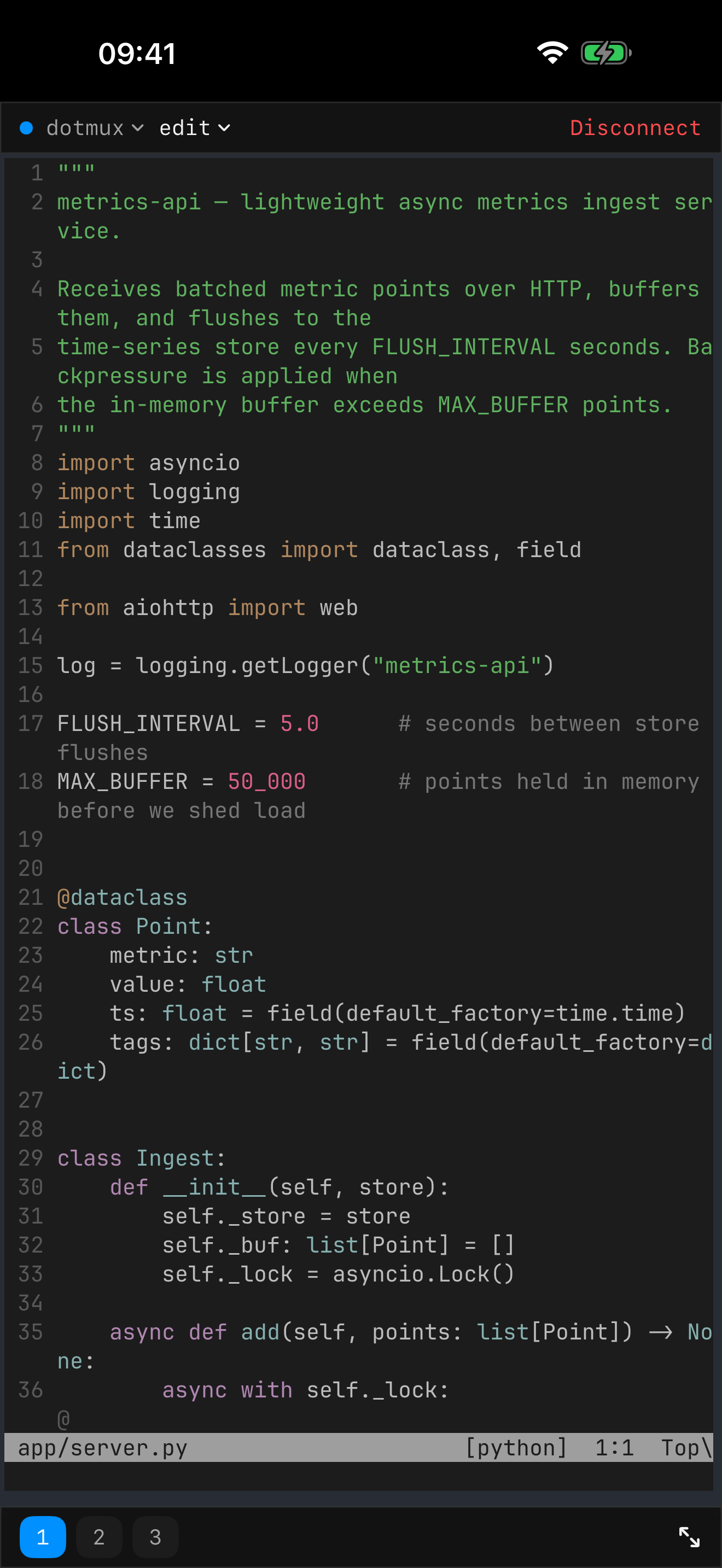
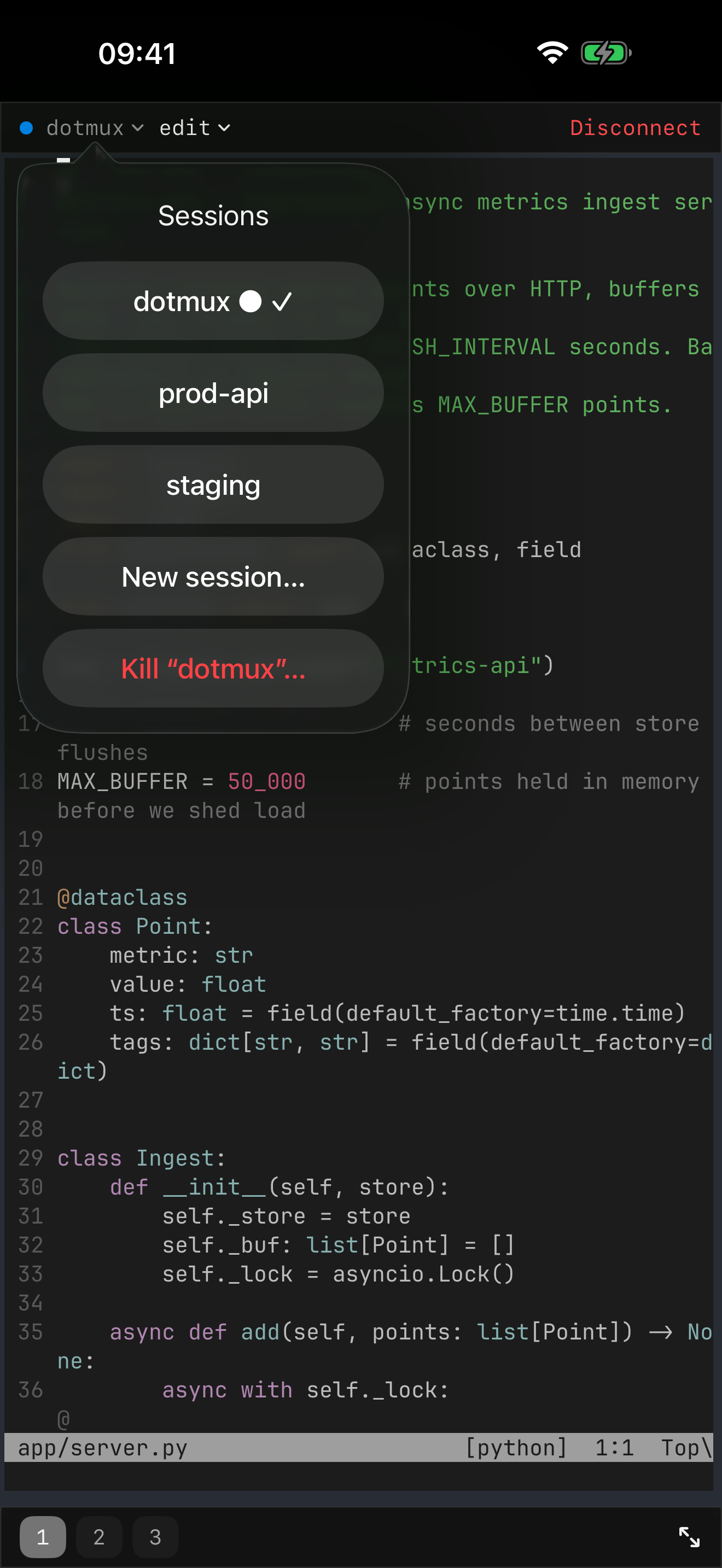
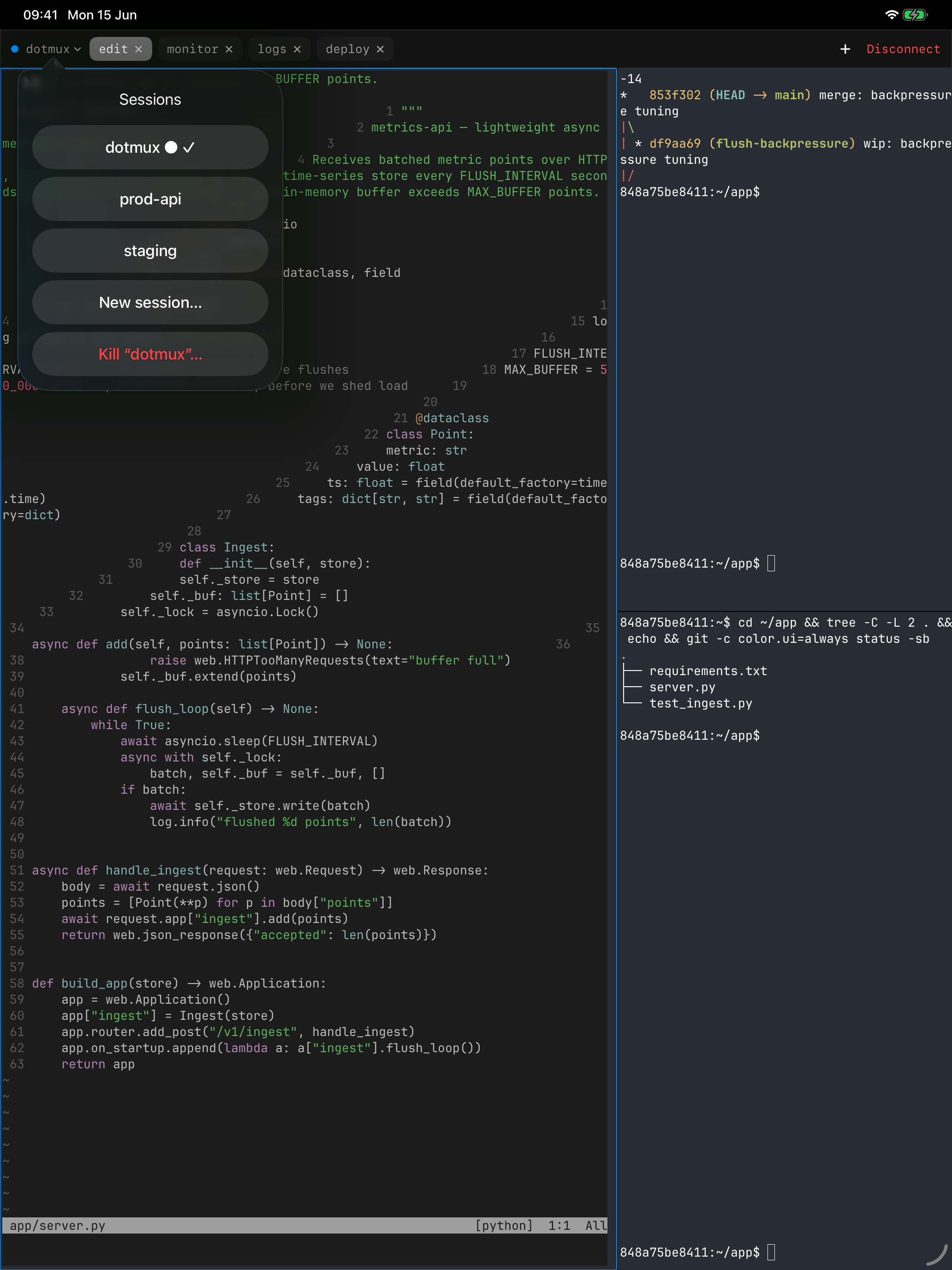
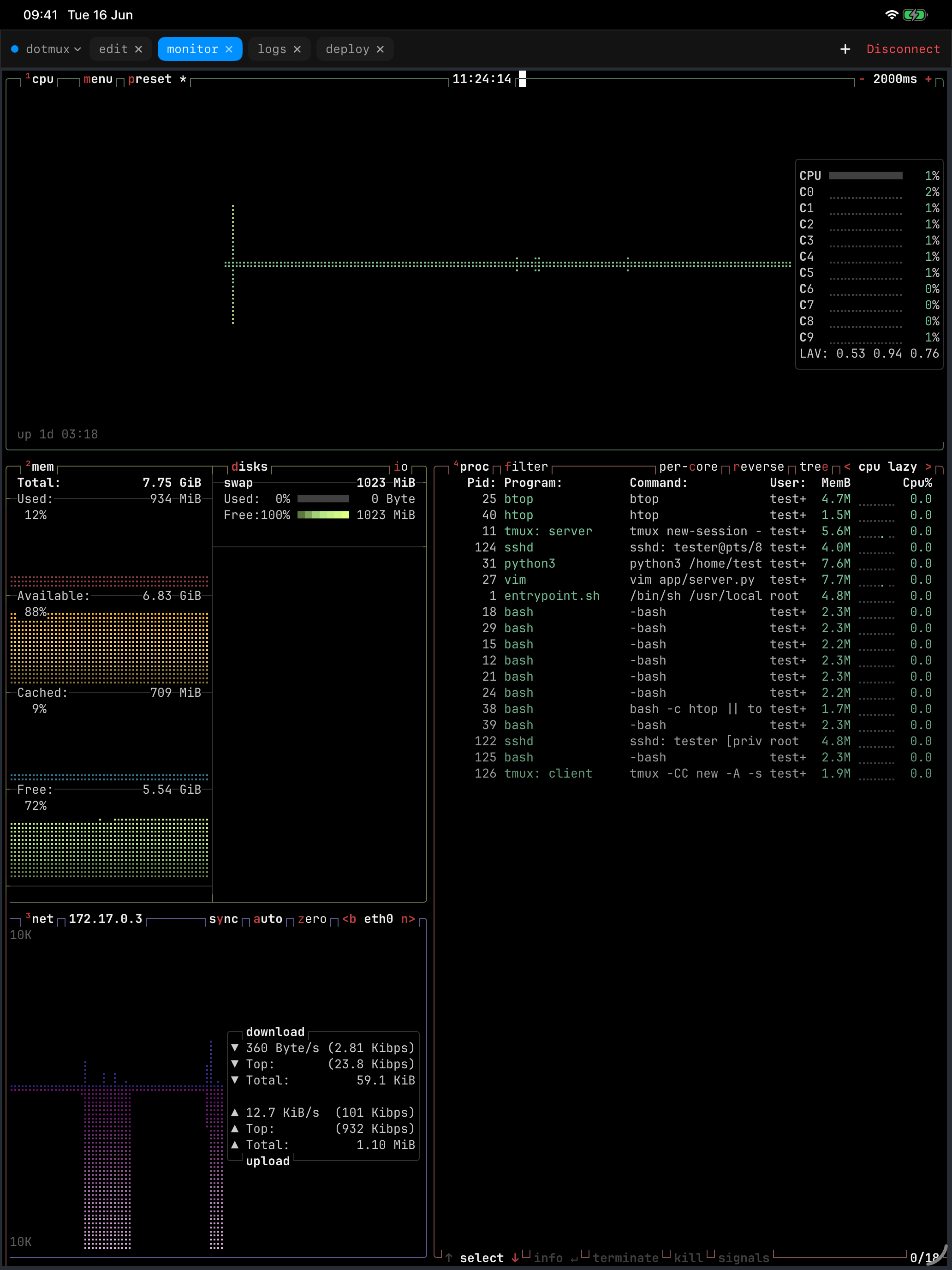
dotMux speaks tmux control mode and rebuilds your remote workspace as real iOS UI: your windows become native tabs, and every pane its own native view — focused full-screen on iPhone, true side-by-side splits on iPad. Tap to switch, swipe to scroll, and drive your whole session by touch.
dotMux talks to tmux over its control-mode protocol (tmux -CC), so it owns the rendering. Your remote layout isn't a screenshot of a terminal — it's native tabs, native panes, and native touch.
Connect, and your remote tmux session is rebuilt as a native interface. Move between windows and panes with a tap or swipe — just like any native iOS app.
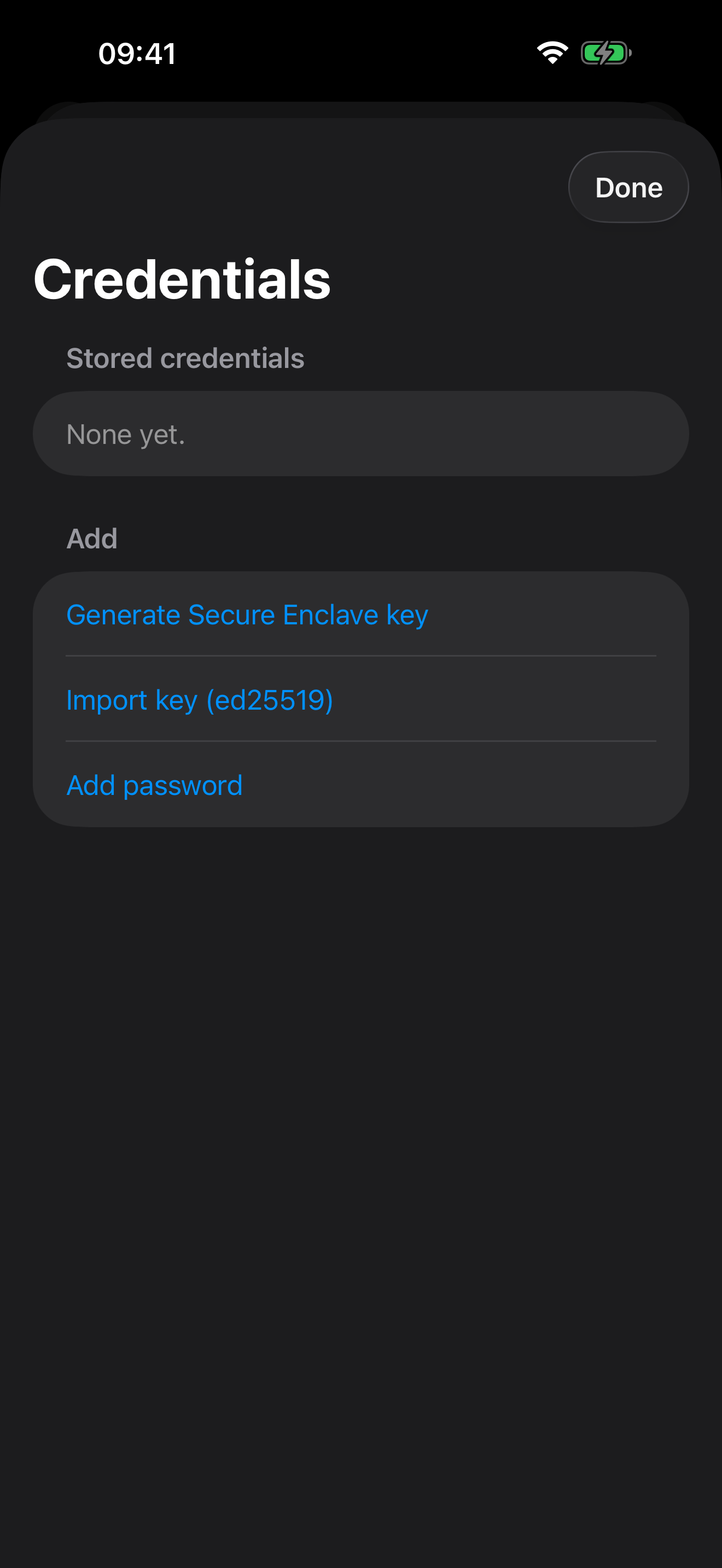
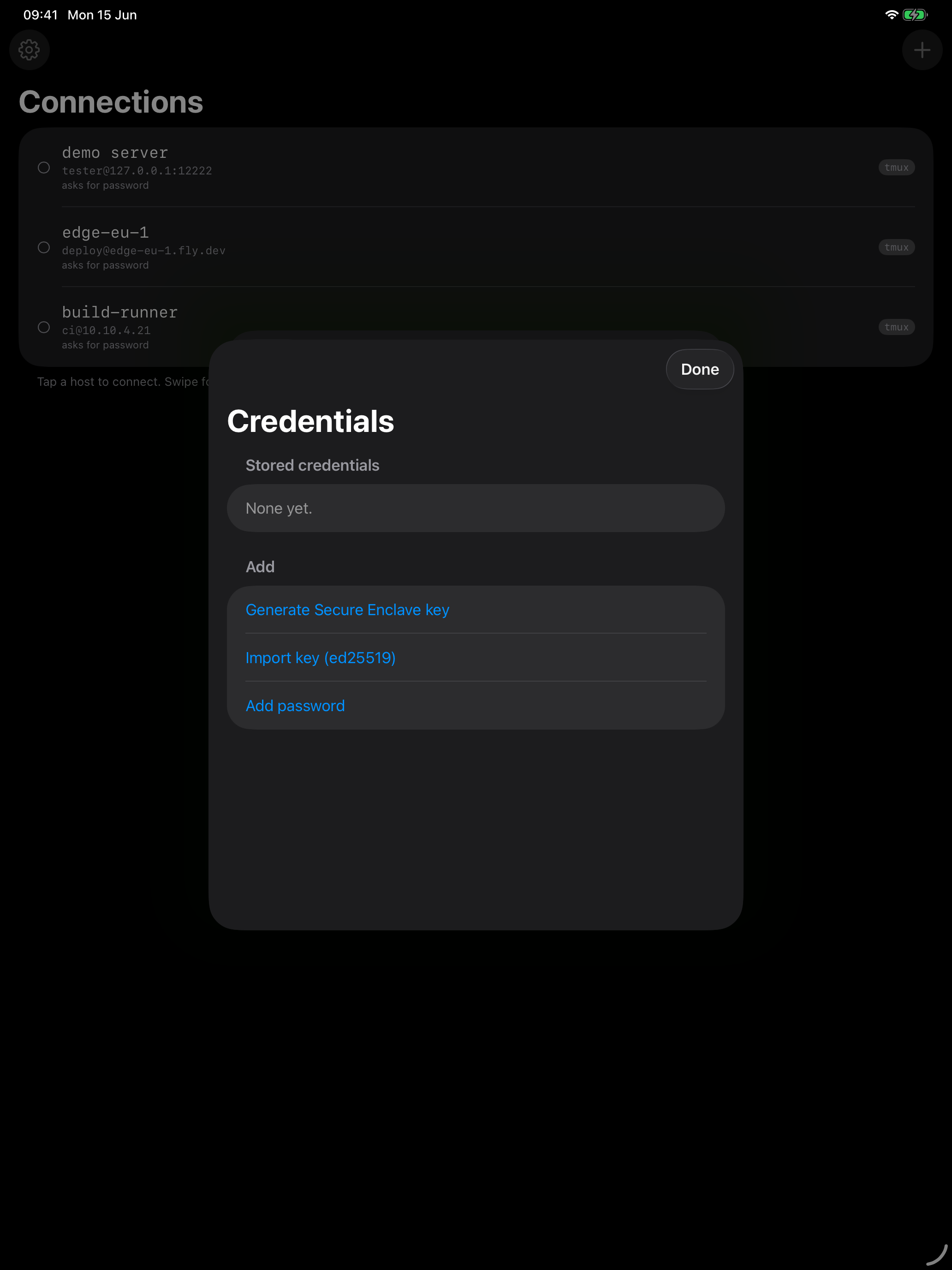
Password and public-key auth. Import your ed25519 keys, or generate one inside the Secure Enclave — non-exportable, signing happens in-chip, the private key never exists outside the enclave.
iOS suspended the app? Your jobs keep running on the server. Come back and dotMux re-attaches to your tmux session — your tabs and panes rebuild themselves. The session picker lists every session on the host and switches in place.
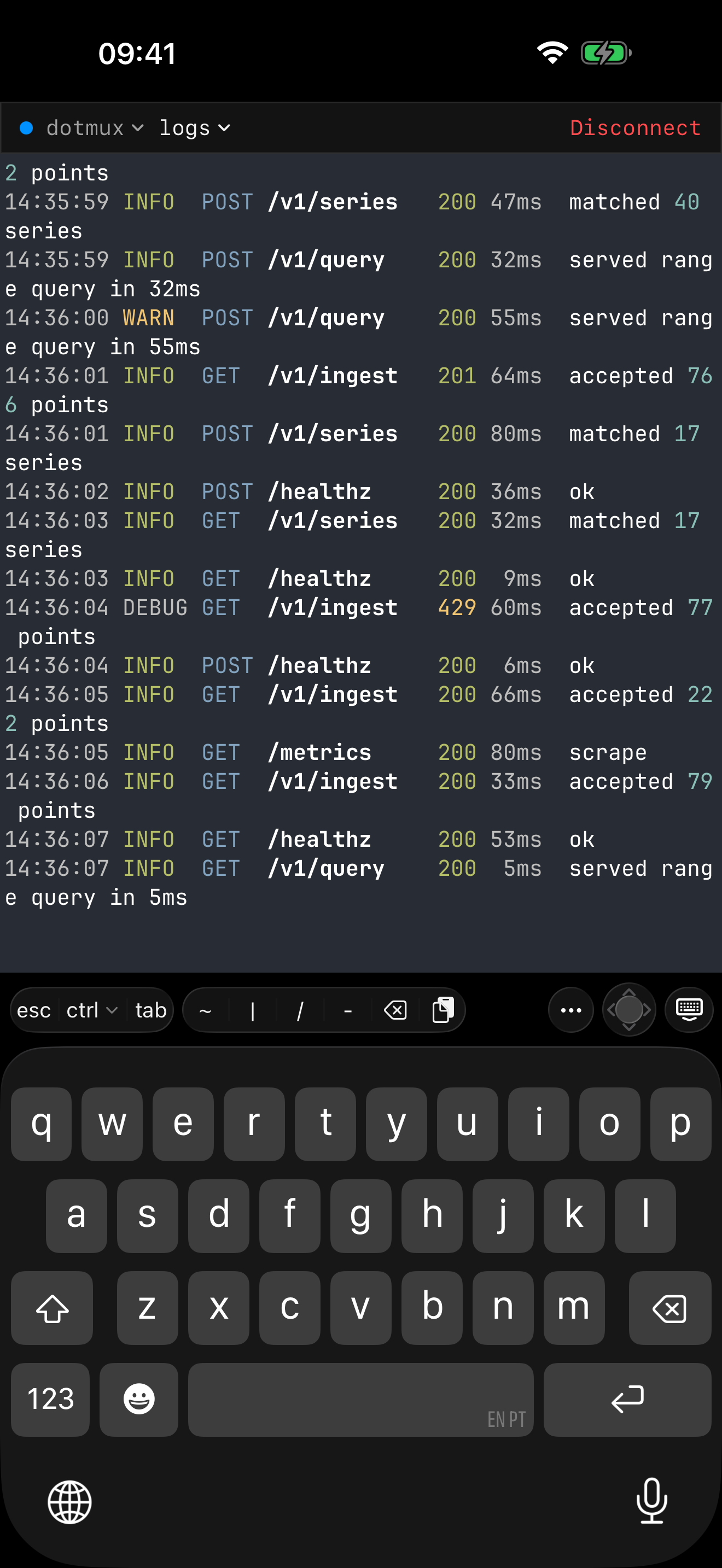
iOS's keyboard can't make Esc, Ctrl, Tab, or arrows. dotMux adds a helper bar that can — plus a drag-pad arrow joystick with press-and-hold repeat, sticky modifiers, and a hide-to-dock control.

dotMux runs no servers and has no account. It connects straight from your device to your own machines, and the developer never receives your keys, passwords, or traffic.
An app-lock when you open dotMux, plus a per-credential check each time a key or password is used — with a configurable grace period.
Credentials are device-bound and never synced to iCloud. Secure Enclave keys can't be exported and only ever sign in-chip.
No analytics, no tracking, no ads, no sign-up. An app-switcher privacy cover even hides your terminal in the iOS app switcher.
On iPad, panes become true side-by-side splits — an editor, your logs, and a system monitor at once. Open hosts in multiple windows, and use it with a hardware keyboard and trackpad.

A real terminal for iPhone and iPad — native tmux, real SSH keys, and your sessions waiting where you left them.